Product6 min
Now available: usage dashboards
Built for the person with five minutes between meetings.
Lu Brandt
Less waiting between done and live, for every team.
Version history keeps every change, who made it, and why. Restoring an older version is a single action, and it never deletes the newer ones. This post covers what we changed, why, and what it means for you.
Admins can scope access by project, so guest contributors see only what they are working on. Nothing about the experience changes for everyone else.
We designed for the person who has five minutes between meetings. The common path takes two clicks, and everything else stays out of the way until you ask for it.
Preview links work for anyone you send them to, even people without an account. They expire on their own, so nobody has to remember to clean them up.
This is available today on every plan. We will keep shipping small improvements every week, and we read every piece of feedback that comes in.
Every change now shows its status in plain language. You see when it is saving, when it is publishing, and the moment it is live, with a link to check for yourself.
Teams told us the same thing in different words: the work was done, but getting it live took longer than doing it. This release is about closing that gap.
Version history keeps every change, who made it, and why. Restoring an older version is a single action, and it never deletes the newer ones.
Admins can scope access by project, so guest contributors see only what they are working on. Nothing about the experience changes for everyone else.
We designed for the person who has five minutes between meetings. The common path takes two clicks, and everything else stays out of the way until you ask for it.
Preview links work for anyone you send them to, even people without an account. They expire on their own, so nobody has to remember to clean them up.
This is available today on every plan. We will keep shipping small improvements every week, and we read every piece of feedback that comes in.
Every change now shows its status in plain language. You see when it is saving, when it is publishing, and the moment it is live, with a link to check for yourself.
Teams told us the same thing in different words: the work was done, but getting it live took longer than doing it. This release is about closing that gap.
Version history keeps every change, who made it, and why. Restoring an older version is a single action, and it never deletes the newer ones.
Admins can scope access by project, so guest contributors see only what they are working on. Nothing about the experience changes for everyone else.
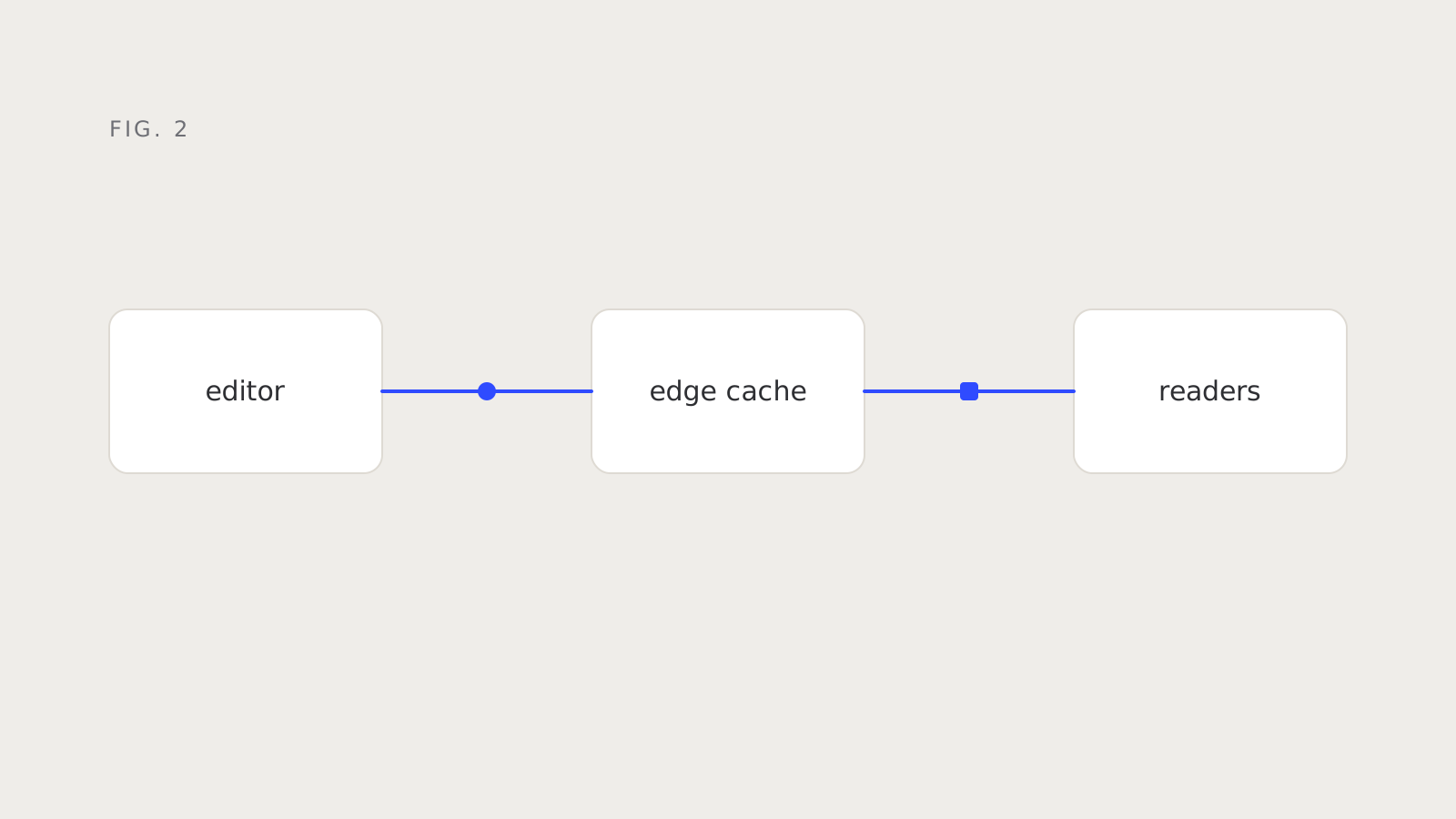
We designed for the person who has five minutes between meetings. The common path takes two clicks, and everything else stays out of the way until you ask for it.
Preview links work for anyone you send them to, even people without an account. They expire on their own, so nobody has to remember to clean them up.
Product6 min
Built for the person with five minutes between meetings.
Product10 min
The thinking behind the release and what comes next.
Product5 min
Less waiting between done and live, for every team.